Use filters on the Rides page to find the rides you're looking for.
The Rides page has the following filters:
Date:
Select a date range to see rides that are scheduled within that range. You can select dates up to 30 days in the future. 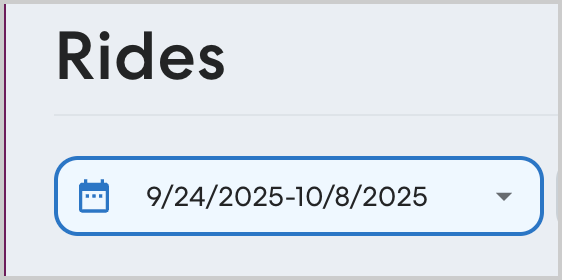
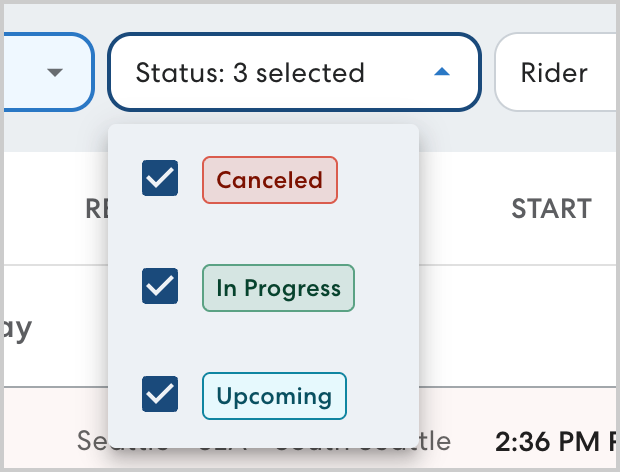
Status:
View rides by status. You can select one or more statuses to see rides that are Canceled, In progress, and Upcoming.
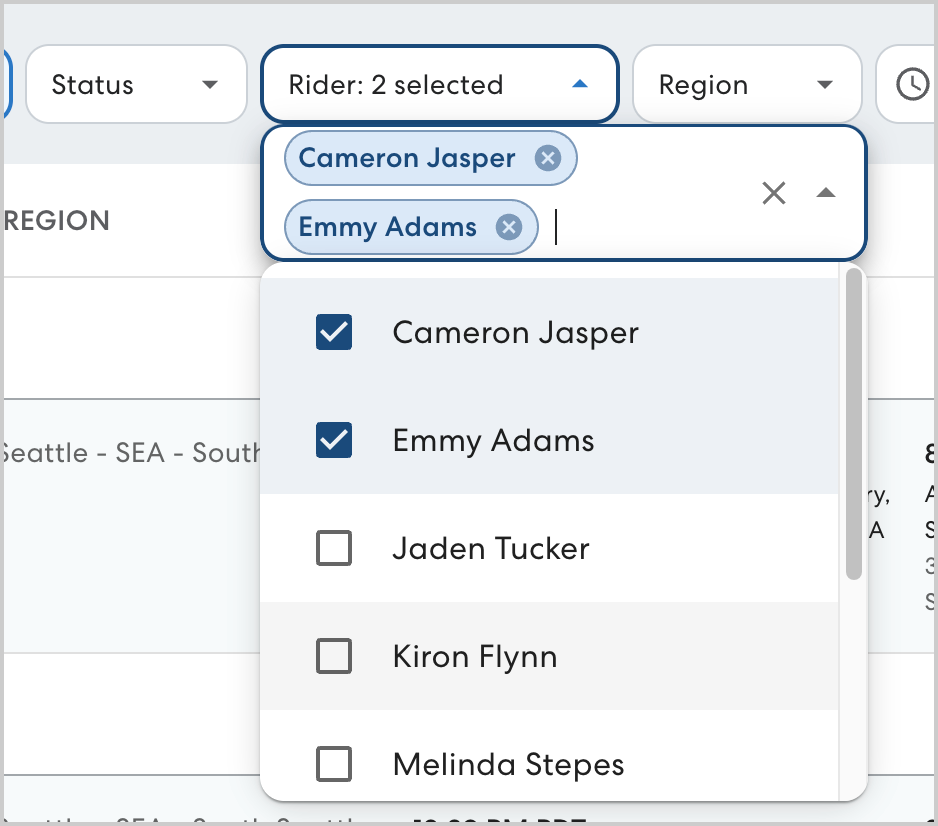
Rider:
Select the rider(s) you want to see rides for. Start typing to search the riders list. Riders appear on the list if they have a current or past ride with your organization.
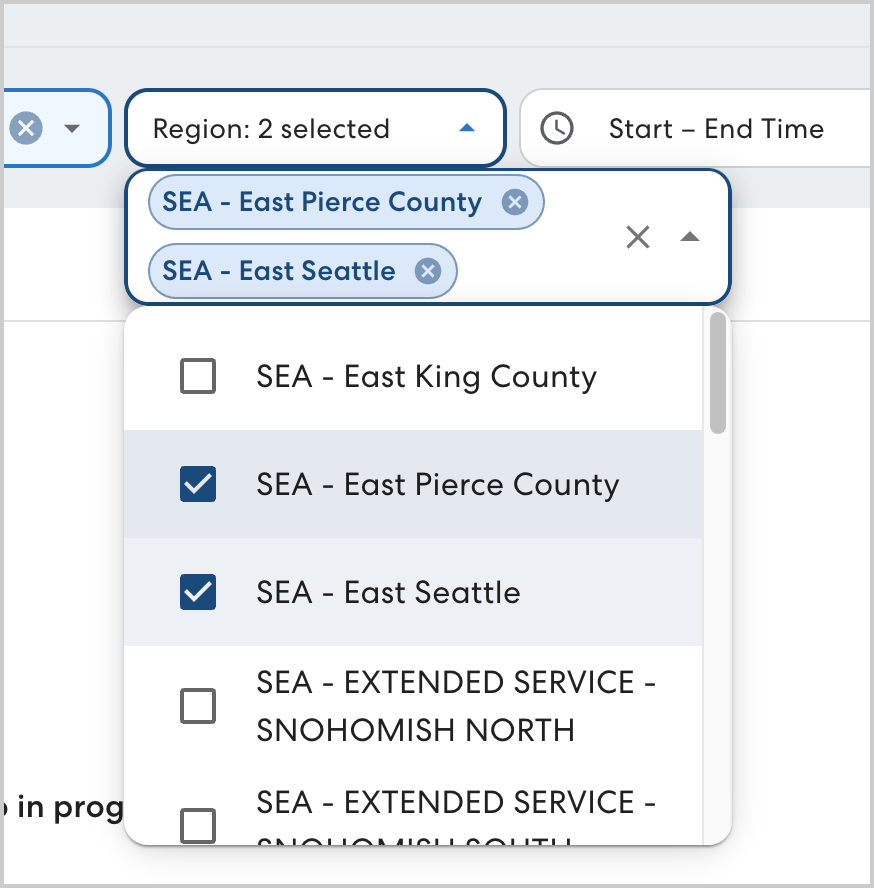
Region:
Select one or more regions to see rides occurring in the selected area.
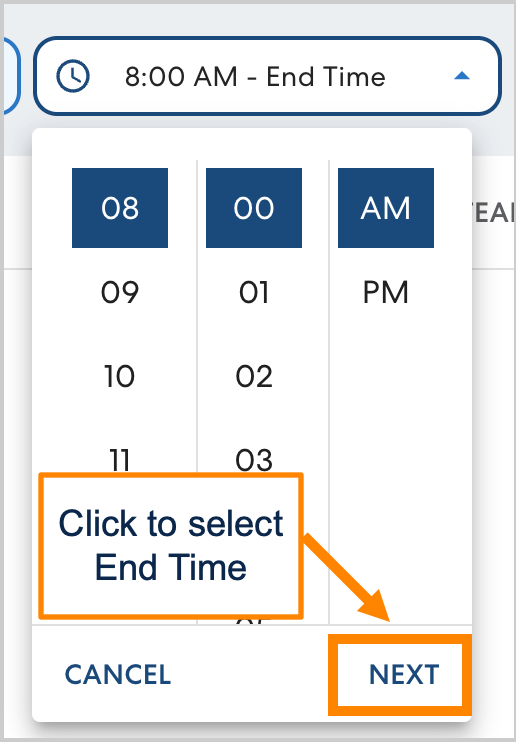
Start time/End time:
Use these filters to search for rides within a set window. Select the desired start time, then click Next to select the end time.
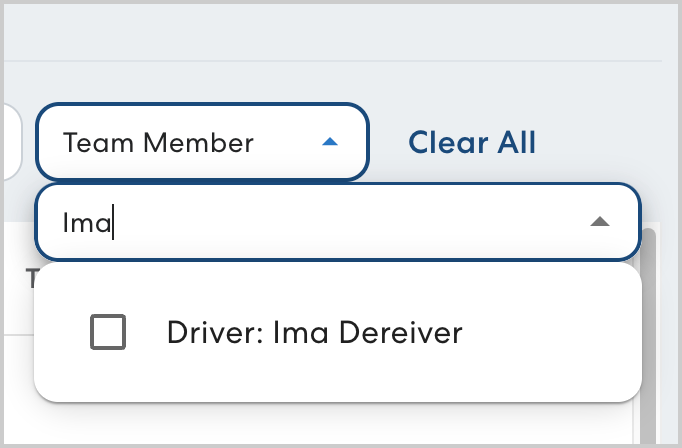
Team member:
Search for drivers and Rider Assistants by name.