
If you need to change the driver assigned to a ride, you can remove the assigned driver and assign a new driver. You can remove a driver any time before the ride starts.
| If you must remove the currently assigned driver and are not able to replace them with a new driver, contact HopSkipDrive's Specialty Transportation Team immediately at (281) 940-8349. |
Follow the steps below to remove an assigned driver from a ride:
- On the Rides page, select the desired ride.
- Under Driver, click Remove.
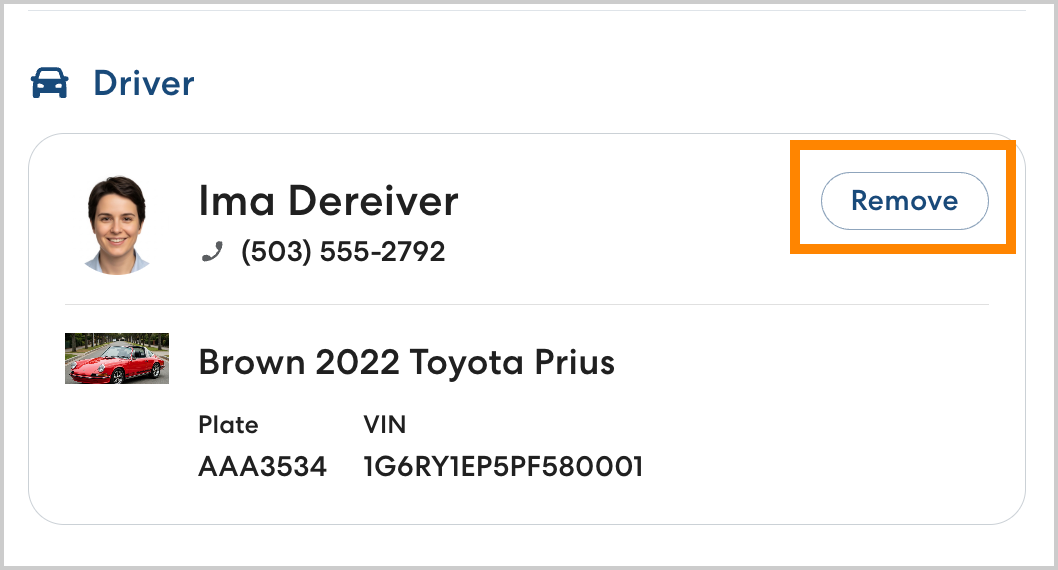
- The removed driver will be notified that they have been removed via the app. Please assign a new driver as soon as possible.