After you accept a ride request, follow the steps below to assign a driver to the ride. Rides become available for scheduling 14 days before the date of the ride.
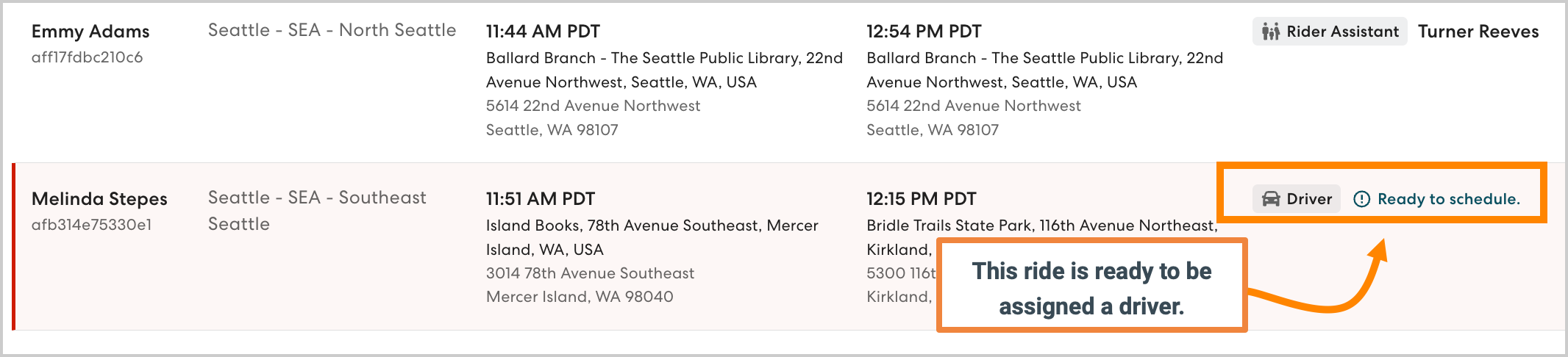
- On the Rides page, click the desired ride. Rides that require a driver are marked Ready to schedule.
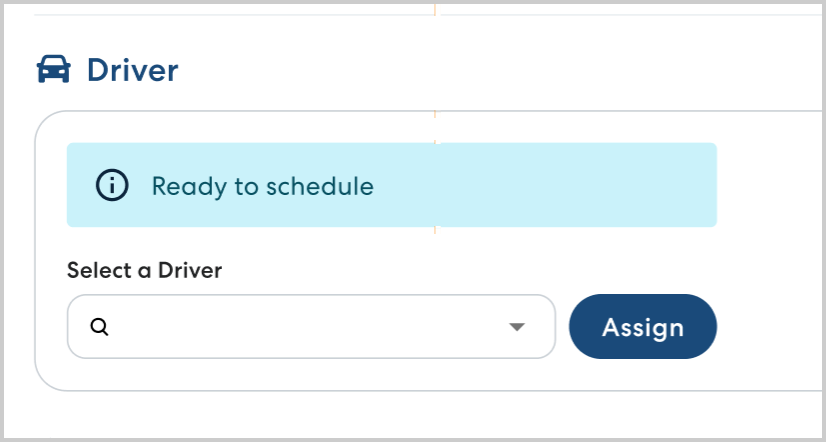
- In Driver, begin typing the name of the driver you want to assign, then select them from the list. Click Assign.
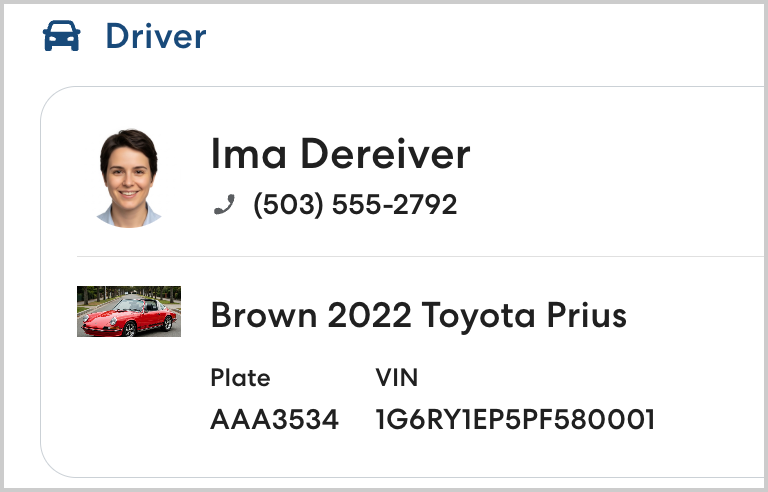
- You'll see the assigned driver's information displayed. The assigned driver will be able to see the ride listed in the HopSkipDrive CareDriver app.