
After you accept a ride request for a Rider Assistant ride, follow the steps below to assign a Rider Assistant to the ride.
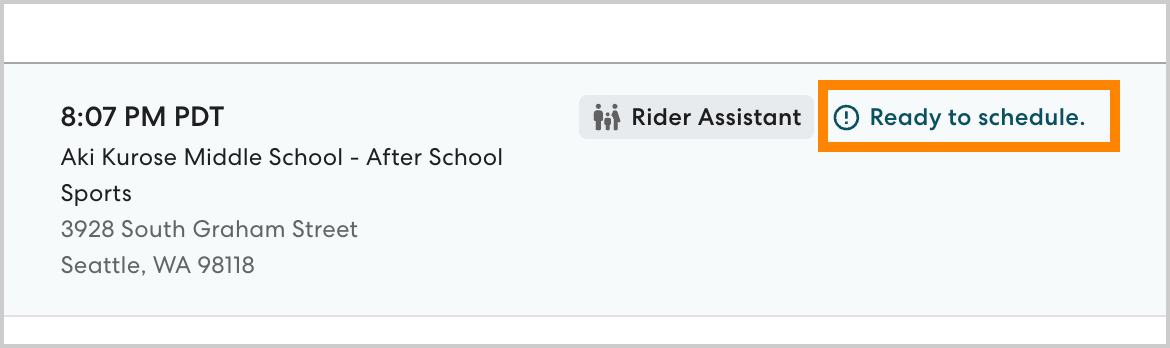
- On the Rides page, select the desired ride. Rides that need a Rider Assistant assigned are marked Ready to schedule.
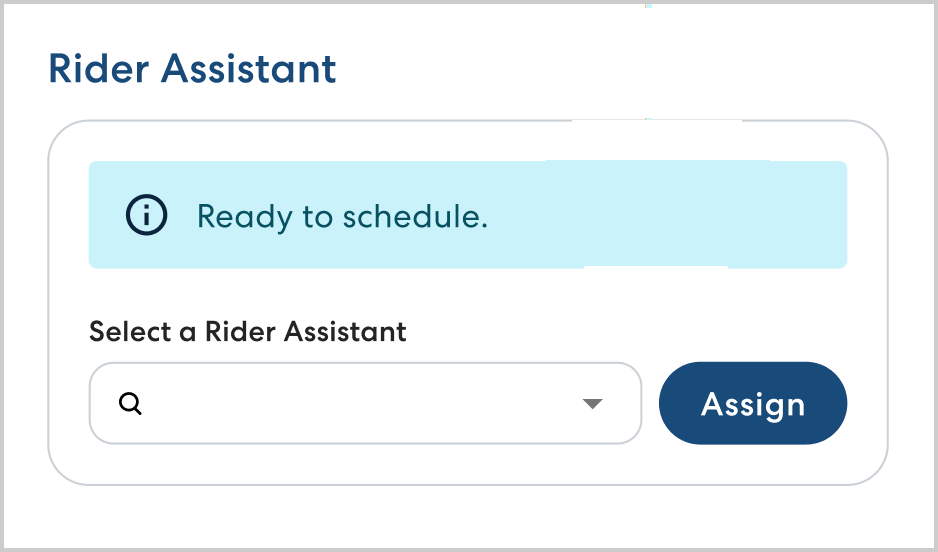
- In Select a Rider Assistant begin typing the name of the Rider Assistant you want to assign, then select them from the list. Click Assign.
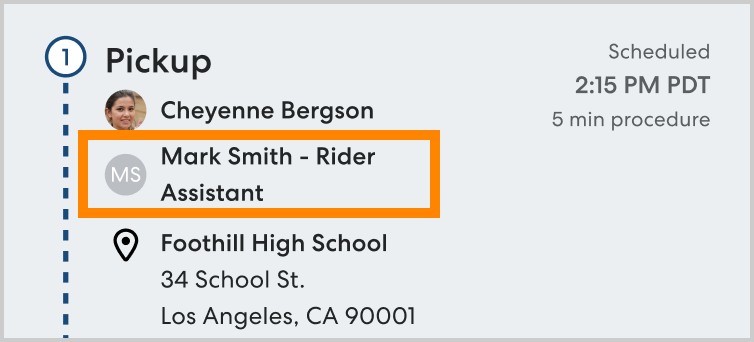
- Once the Rider Assistant is assigned, you'll see their name and phone number displayed under Rider Assistant and on the relevant waypoints in the ride timeline.
- The assigned Rider Assistant is notified via text message when they are assigned to a ride, and updated via text message if the ride is changed or canceled.