When a new ride request is assigned to your account, you'll be notified via email. Open the CarePartnerTM Portal to review the ride details and determine whether you will be able to staff and fulfill the ride. You must review all assigned requests within 24 hours, or they will be re-assigned to another CarePartner.
Review a ride request
To review pending ride requests, follow the steps below:
- click Ride Requests in the CarePartner Portal, or click the link in the notification email.
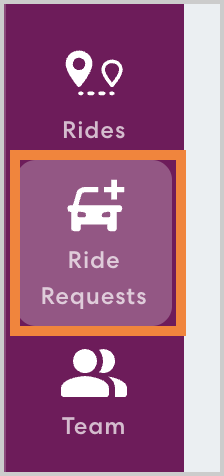
- You'll see a ride list that includes any accepted ride requests as well as open requests. Rides are listed in order by date, so you may need to scroll to the bottom to see the latest open request.
Review the details of the request. You can see the basic details on the Ride Requests page, including start and end time, number of rides included in the series, Rider Services required, and Rider Information.
Accept a ride request
If you determine that you will be able to staff and fulfill the request, follow the steps below:
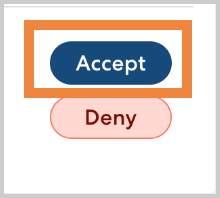
click Accept.
- Click Yes, Accept to continue.
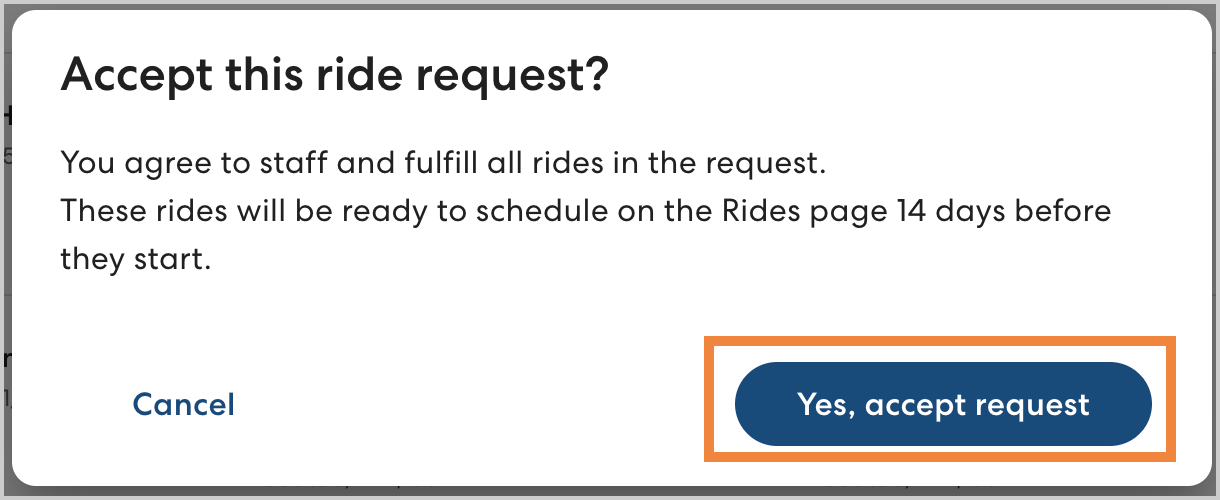
The ride will now be tagged Accepted. Rides will become available in the Rides list 14 days before they take place so you can schedule drivers and Rider Assistants as needed.
Deny a ride request
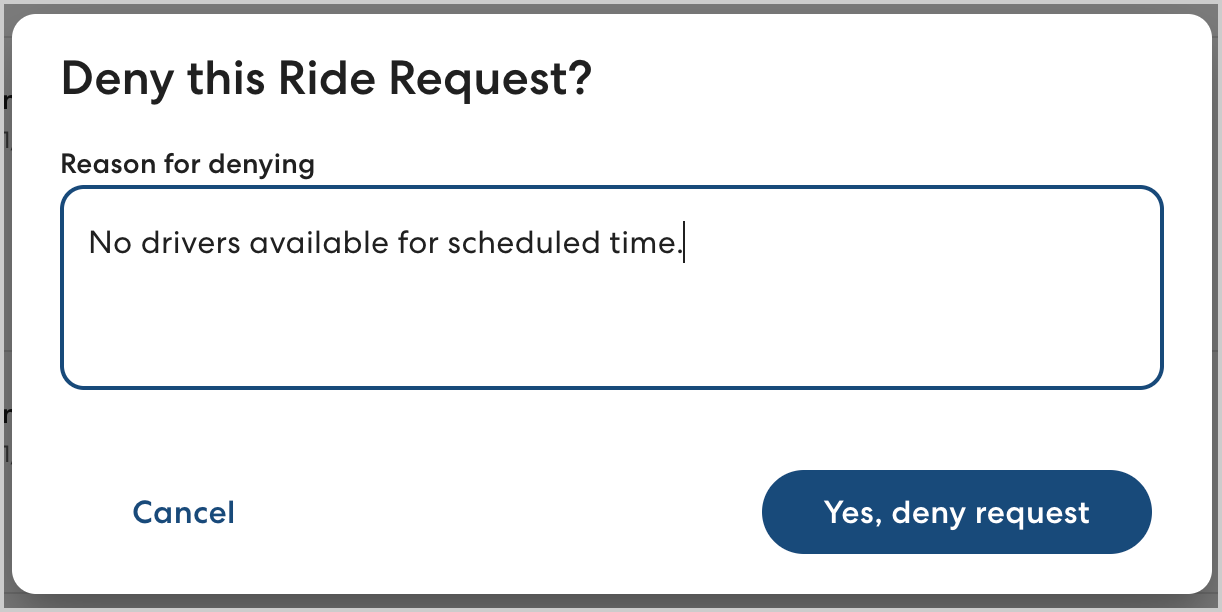
If you determine that you cannot staff and fulfill the ride request, follow the steps below:
- Click Deny.
- Enter a brief reason explaining why you are unable to fulfill the request, then click Yes, deny request. The ride request will be removed from your Ride Request list.