
Symptoms
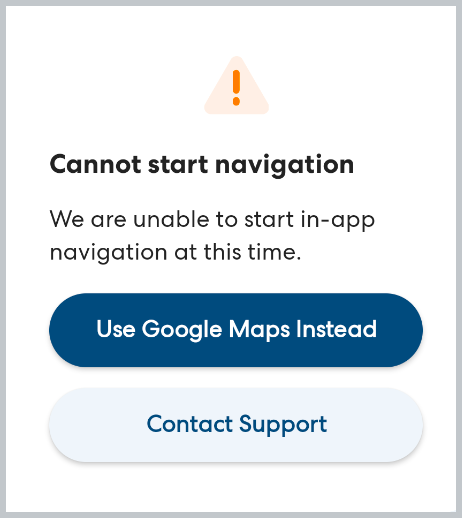
When you tap Start Navigation, you see an error message like the one below with the message: Cannot start navigation.
Cause
The Google Maps navigation can only be stopped and re-started a set number of times. After starting and stopping the navigation multiple times, access to navigation will be temporarily blocked.
Resolution
If you see this error, tap Use Google Maps Instead. Google Maps will open separately with the address automatically added. Follow the directions to your destination as usual, then open the CareDriver app and tap I've Arrived when you reach the destination.
You will be able to use the in-app navigation again on your next ride.