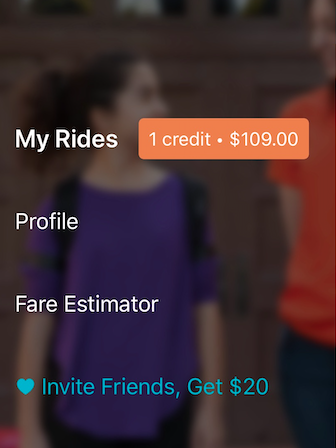
If you want to check and see how many ride credits and cash credits are saved to your HopSkipDrive account, just open your HopSkipDrive app.
When you open the menu on the top left side of the screen, you will see an orange box to the right of My Rides with the number of ride credits and/or cash credits saved to your account.