You may need to reference the Trip ID for a ride when completing various forms or when communicating with HopSkipDrive support.
To find the Trip ID for a ride, follow the steps below:
- Tap Account, then select Ride History.
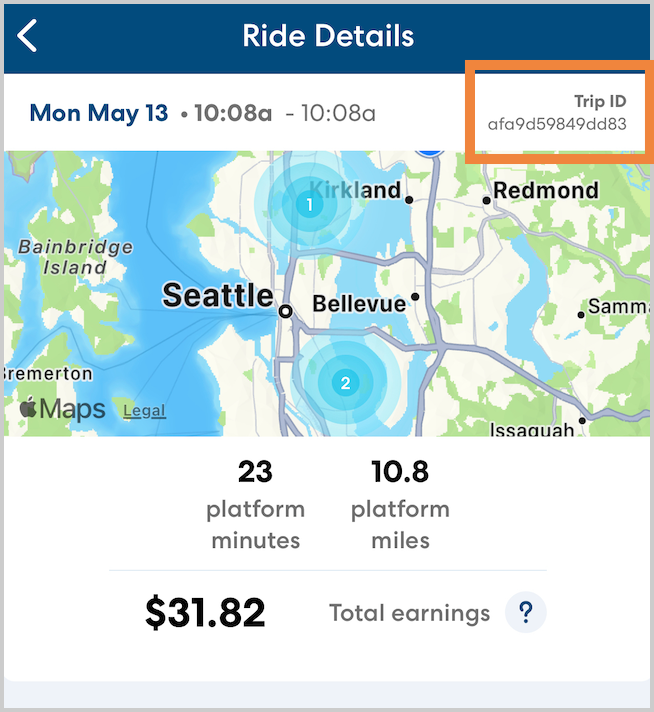
- Select the week when the ride took place, then tap the desired ride. The trip ID for completed trips is shown in the upper right corner.
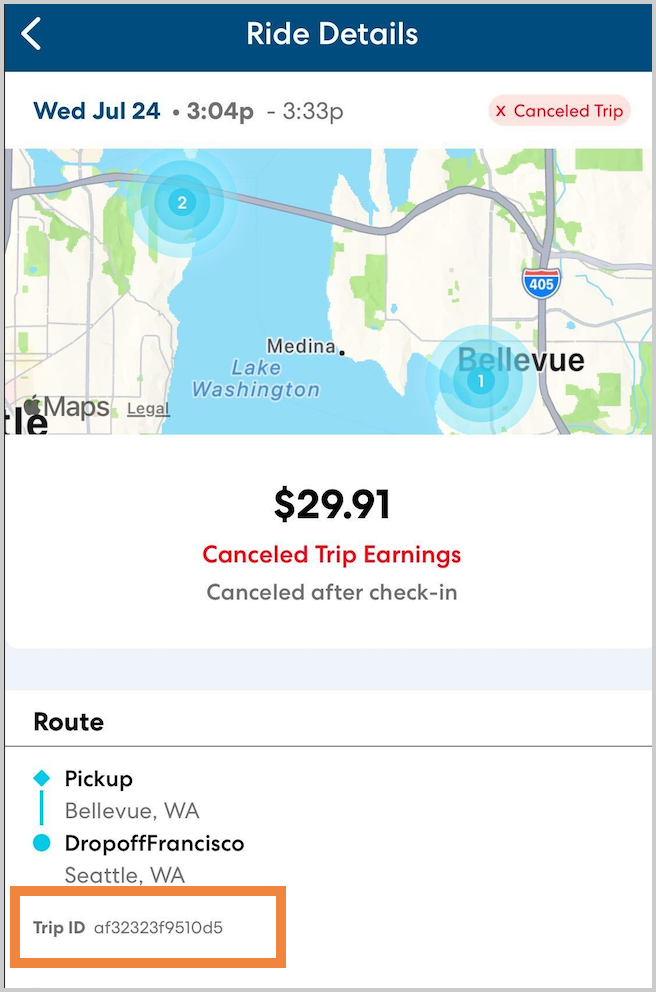
For canceled rides, the trip ID is shown under the route information.