If you're unable to log in to the CareDriver app, follow the instructions below to reset your password:
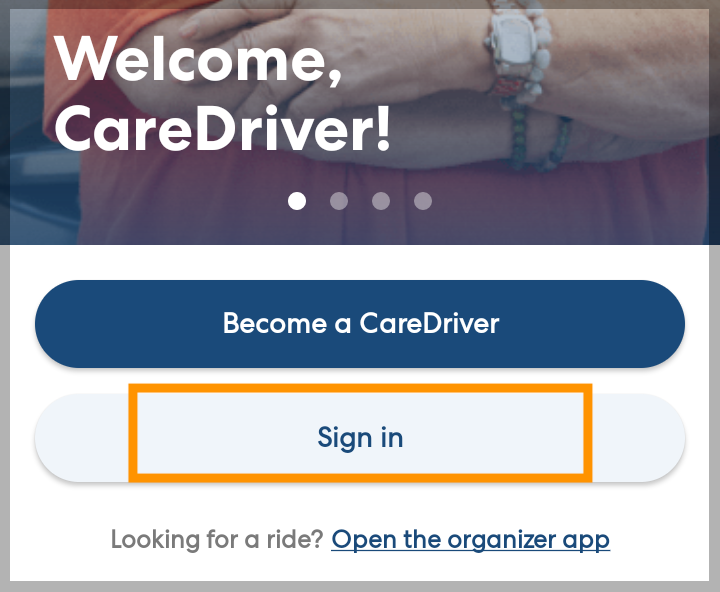
Open the CareDriver app and tap Sign in.
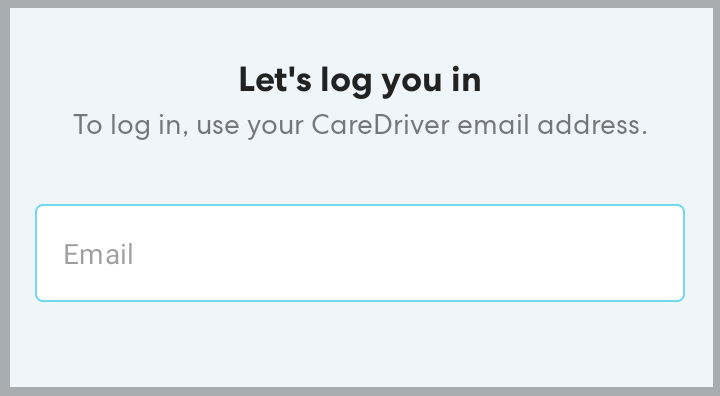
Enter the email you use for the CareDriver app, then tap Continue.
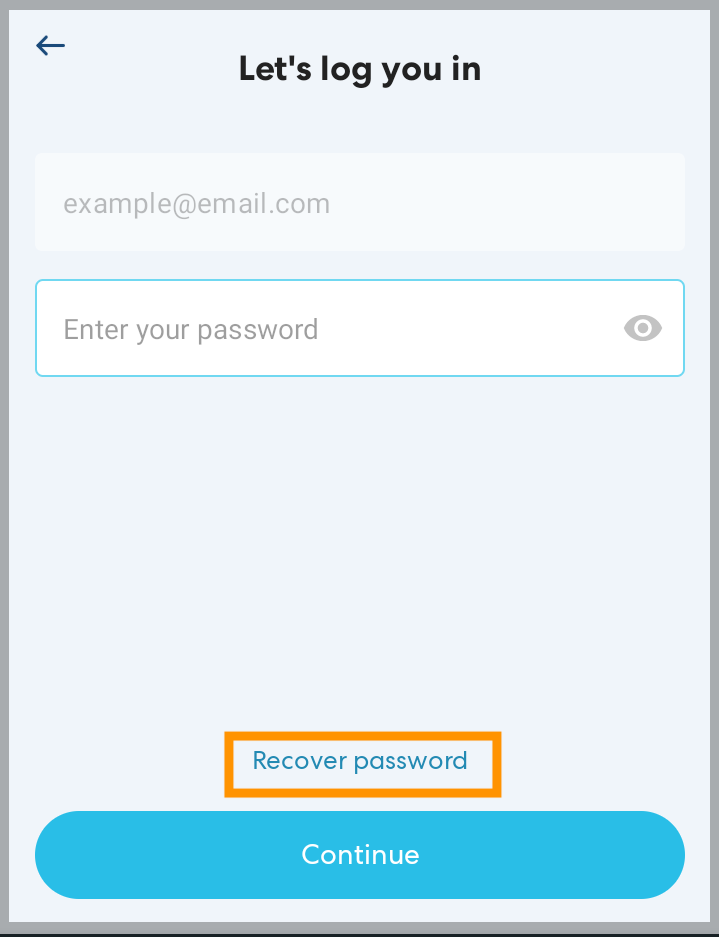
Tap Recover password.
Enter the email you use for your CareDriver account and tap Send me a link.
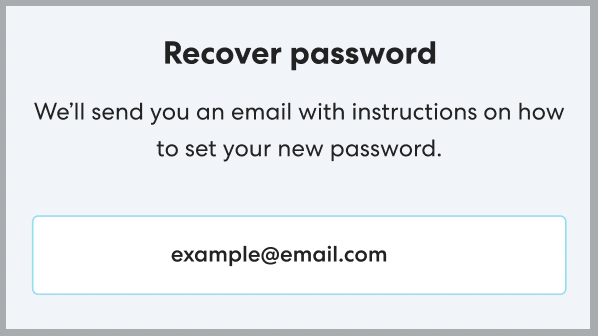
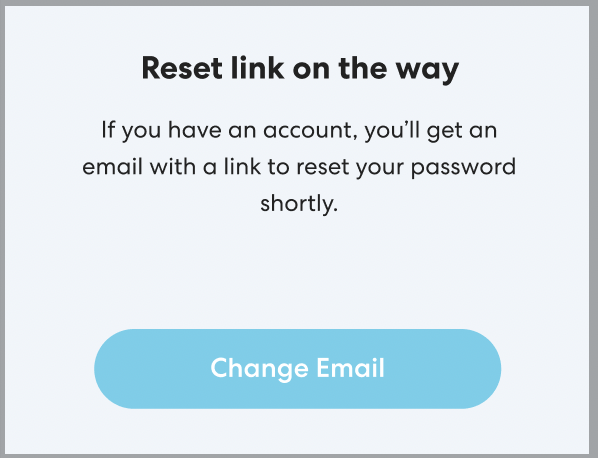
You'll receive an email with a link to reset your password. Tap the link to set a new password, then log in again.
Note: If you don't receive a link, check to be sure you have entered the email you used to sign up with HopSkipDrive.Tap Change Email if you have entered a different email and need to try again.