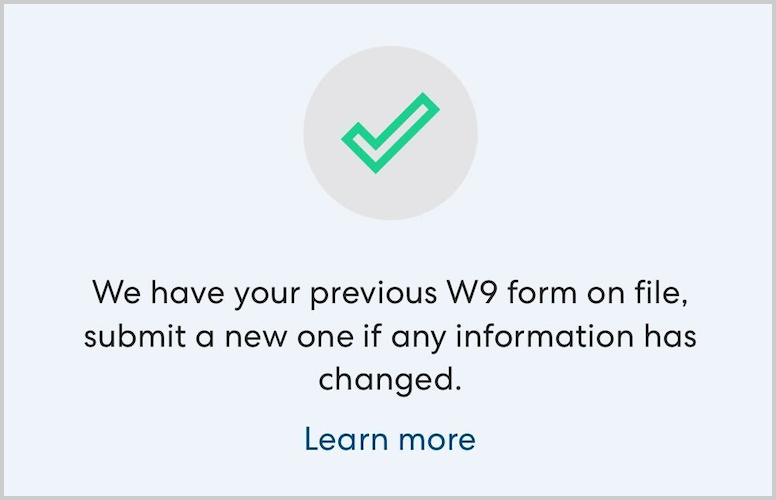
Form W-9 is the form used to provide your Taxpayer Identification Number number and certification to HopSkipDrive. You must submit a W-9 to receive payment from HopSkipDrive. You can learn more about Form W-9 on the IRS website here.
How to submit your W-9
You must submit a W-9 when you are first certified as a CareDriver. If your information changes, you can submit a new form to update the information on file.
Follow the steps below to submit your W-9.
- You can submit a new W-9 any time in the Tax Information page of the CareDriver app, which you can access in the Account section. You may also be prompted to submit a W-9 form with a message on the app home screen.
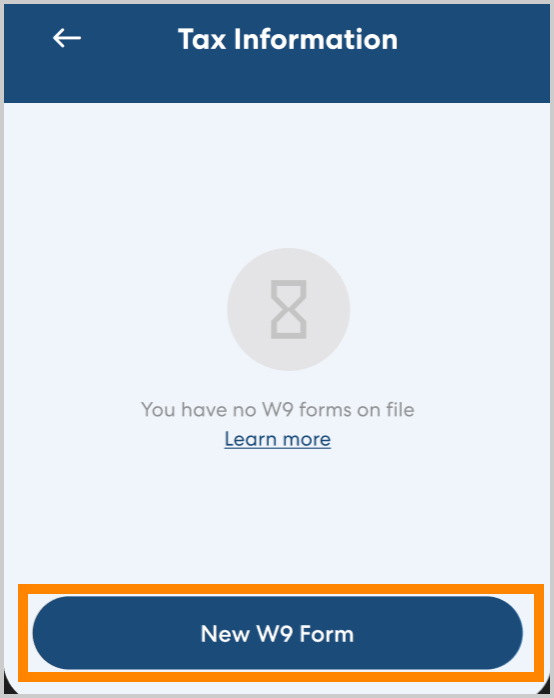
- In Tax Information, tap New W-9 form.
- Complete the W-9 form with your information.
Tips:- Most CareDrivers will submit the W-9 as an Individual/Sole Proprietor.
- The Social Security Number field will automatically be completed with the number we have on file for you.
- Detailed instructions for completing each part of the form can be found here.
-
Sign the form, then tap Submit.
After you submit your W-9 form, you can download and view your submitted form as a PDF by tapping Share W-9.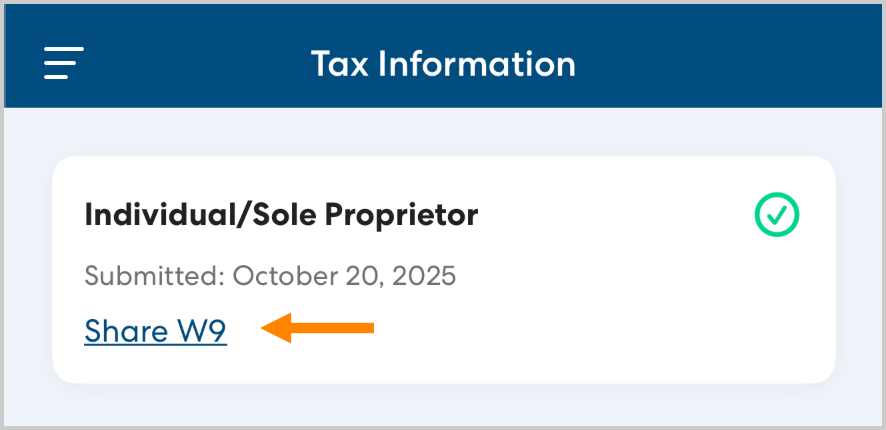
Note: If you submitted your most recent W-9 prior to December 2025 you will not see the option to download a copy of the current form on file. You do not need to take any action unless your information has changed.