HopSkipDrive's CareDriver certification calls are held using Google Meet. The following tips will help you have a smooth meeting experience:
- We recommend using a computer if possible so that you can clearly see the information being presented. However, you can join the meeting on your phone if necessary.
- To join the CareDriver Certification call, click the link in the confirmation email you received and wait to be let in. Because calls are often scheduled back to back, you will not be let into the virtual meeting room until the scheduled meeting time.
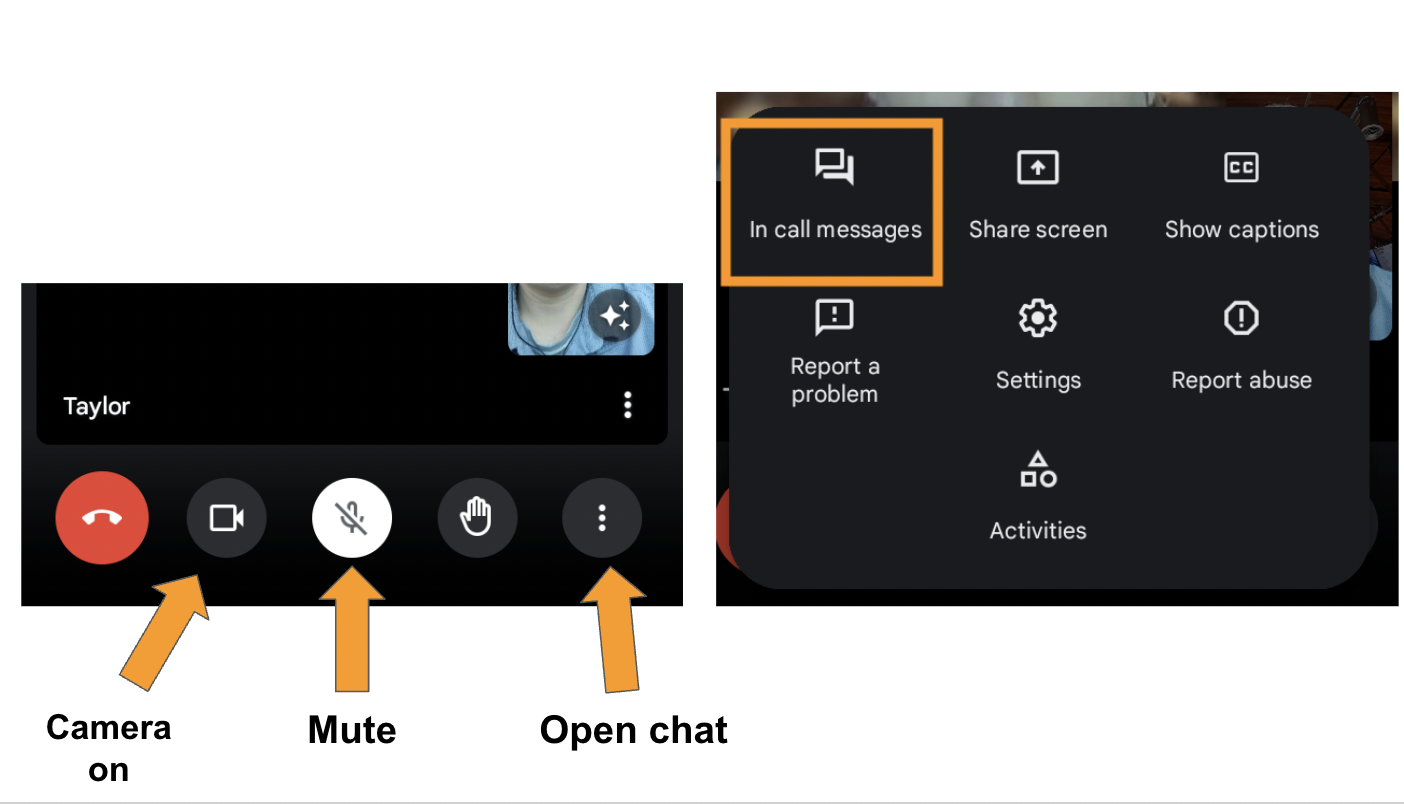
- Make sure your camera is on and your microphone is muted.
- When you join the meeting, type your full name in the chat.