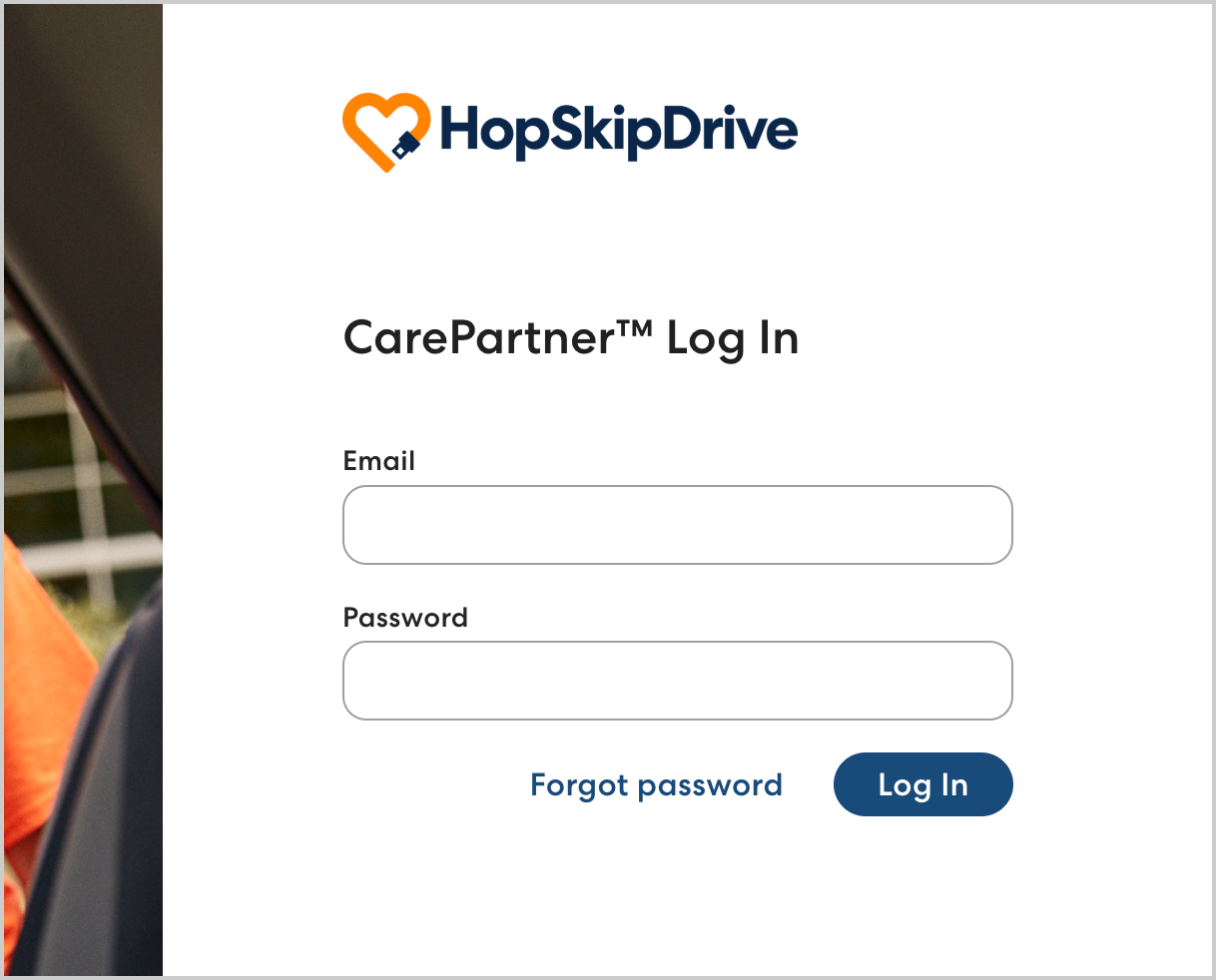
When the HopSkipDrive Speciality Transportation team has enabled your CarePartner portal account, you will receive an email invitation to complete your account setup.
Follow the steps below to set up your account and log in to the CarePartner portal:
- Click the link in the invitation email from HopSkipDrive.
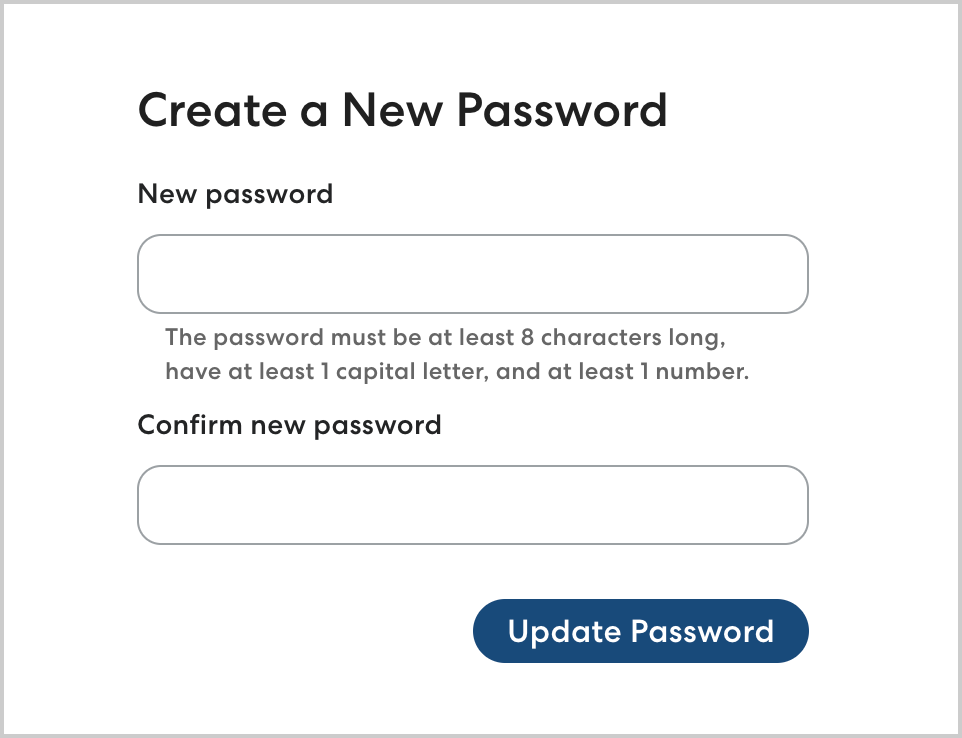
- Create a password for the account. Your password must be at least eight characters long, contain both capital and lowercase letters, and contain at least one number. Click Update Password to confirm.
- To log in, use the email where you received the invitation and the password you created.