
If a school district or other organization manages rides for your Rider, you'll be asked to confirm the Rider's date of birth when setting up the Caregiver app. This is one of the ways HopSkipDrive ensures you are monitoring the correct Rider. When you enter the Rider's date of birth, you may see the following error message:
The date of birth you entered does not match what we have on file. Please try again.
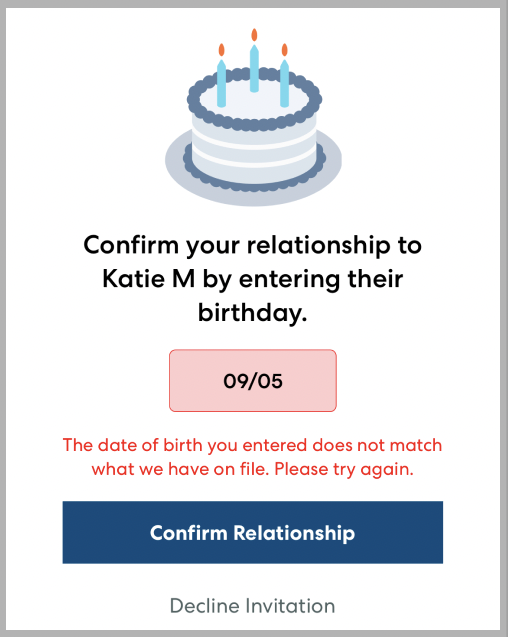
If you see this message, try the following:
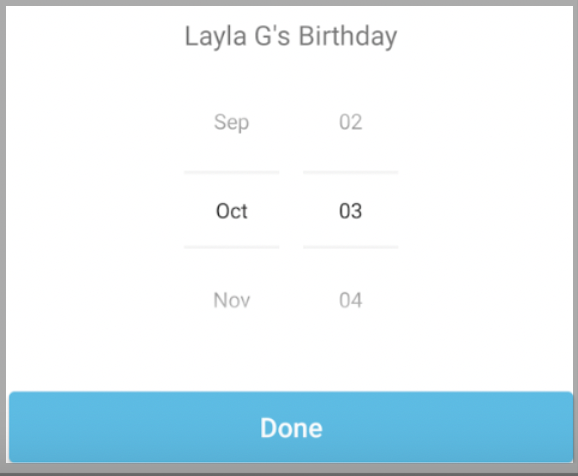
- Double check that you have entered the date of birth correctly. Select the month and day. You do not need to include the year.
- If you have confirmed that the birth date you are entering is correct, contact the school district or other organization to confirm that they have your Rider's date of birth correctly recorded in their systems and entered in the HopSkipDrive ride building platform.